
What is a stop order?
In one line: An order that sits and waits until price reaches a level you set, then turns into a market order and fills at the next price available.
A simple example
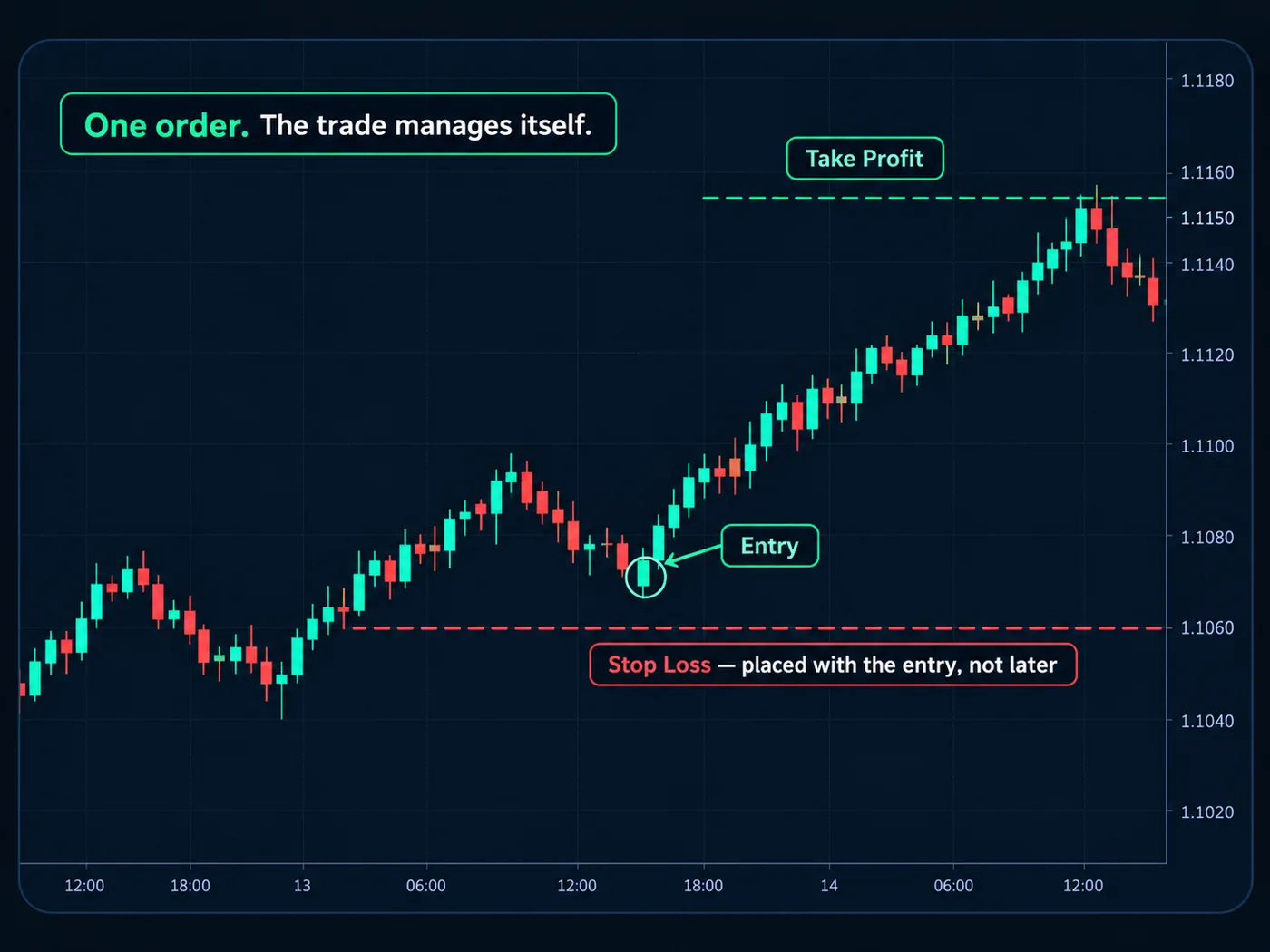
You bought a stock at $50.00. The last place price turned around is $49.00, so you place a stop sell at $48.90, just below it.
- While price stays above $48.90, the order does nothing.
- If price trades at $48.90, the order wakes up and becomes a market order.
- It fills at the next price available — maybe $48.90, maybe $48.85 in a fast move.
That's how most traders place a stop loss. The same order type can also enter a trade: a stop buy above resistance only triggers if price really moves up through it.
Why it matters
A stop order does the hard part for you. You decide where you're wrong while you're calm, before the trade starts. Then the order acts even if you look away, freeze, or hope.
Stop vs stop-limit
A stop-limit turns into a limit order instead of a market order. You control the worst price, but if the market jumps past your limit, you may not get out at all. For an exit, that can be the bigger risk. More in stop loss vs stop limit.
A common mistake
Expecting the exact price. A stop guarantees action, not a price. In fast markets, or when price jumps past your level overnight (a gap), you can be filled worse than your stop. That's slippage, and it's normal.
Plan for it. Size the trade so even a slightly worse fill stays inside what you can accept. Our guide on how to set a stop loss shows where to place it from the chart.
Questions
Is a stop order the same as a stop loss?
A stop loss is the job — getting you out when you're wrong. A stop order is the tool most traders use to do that job.
Can a stop order be used to buy?
Yes. A stop buy sits above the current price and triggers only if price rises to it. Traders use it to enter only after price proves itself.
Why did my stop fill below my price?
Once triggered, it becomes a market order and takes the next available price. In a quick move, that can be a little lower than your stop.
Want the next step? We'll walk you through it.
Four free lessons by email, one every few days — each with a 10-minute exercise on a real chart.
Send Me the Free Lessons 4 short emails · No spam · Unsubscribe anytimeOr see the whole method, step by step:
See What’s Inside the Course Try everything free first. Decide when you're ready. · Open the free chart tool (works in the TradingView phone app)One chart idea a day, in plain English. Follow along: