
How to backtest a trading strategy, step by step
Imagine testing your rules on 100 trades before you risk a cent. That's backtesting: replaying past charts by hand. It's free, and it trains your eye too.
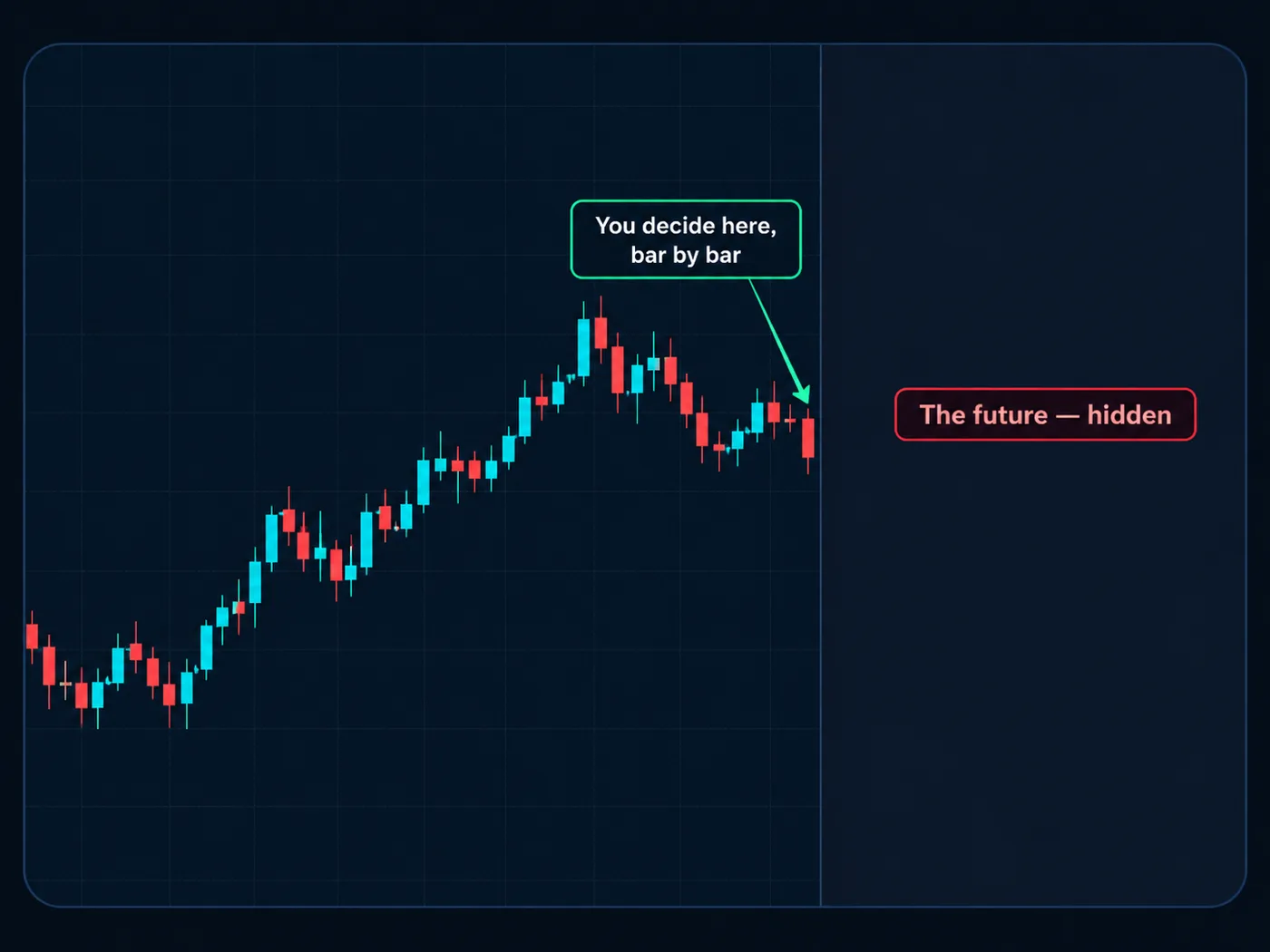
What backtesting is
Backtesting is testing a set of trading rules on past price data. You go back in time, follow your rules exactly, and write down what each trade would have done.
There are two kinds:
- Automatic: a computer runs coded rules over years of data.
- Manual: you move through a past chart one candle at a time and make each decision yourself.
This guide is about the manual kind. It's slower, but for a beginner it's better: you're not just testing the rules, you're practicing seeing them.
Step 1: Write your rules down first
You can't test a strategy that lives in your head. Before you open a chart, write rules that someone else could follow without asking you questions.
- Market and timeframe: which chart, which time frame.
- Direction: how you decide whether to look for buys or sells (for example, from the bigger chart's trend).
- Entry: the exact thing that must happen. One sentence.
- Stop: where it goes — for example, just past the last turning point.
- Target: where it goes — for example, the next level price turned at, at least 2-to-1.
- Skip rules: when you don't trade.
The test for a good rule: two people reading it on the same chart would take the same trade. If they'd argue, the rule isn't clear enough yet.
A one-page trading plan is a good place to put these.
Step 2: Set up replay on TradingView
TradingView has a Bar Replay tool. You pick a date in the past, and the chart hides everything after it. Then you step forward one candle at a time.
- Open your chart and time frame.
- Click Replay in the top toolbar.
- Click a point in the past to start from.
- Use the step-forward button to reveal one candle at a time.
Full walkthrough: TradingView bar replay. Replay features can vary by plan, so check what your account includes.
Step 3: Never peek
This is the rule that makes or breaks a backtest. Don't look at what happens next before you decide.
If you scroll ahead, or you already remember this chart, your brain will "find" the trades that worked and skip the ones that didn't. The results will look great and mean nothing.
- Pick a start date you don't remember.
- Make the decision, write it down, then step forward.
- If you accidentally see the future, skip that stretch.
Write the trade before the candle moves. Entry, stop and target go in the log first. If it's not written, it doesn't count.
Step 4: Log every trade, including the ugly ones
Each trade gets a row, even the ones you'd rather forget. Track at least:
- Date on the chart, and market.
- Long or short.
- Entry, stop and target.
- Result in units of risk (−1 at the stop, +2 at a 1:2 target).
- Did I follow my rules? Yes or no.
A trading journal works for this. Our free journal template has the columns ready.
Step 5: Do 100 trades
Ten trades tell you almost nothing. A few lucky ones can make a bad rule look good, and a few unlucky ones can make a good rule look bad.
Aim for 100 trades before drawing conclusions. That's enough to see the shape of the results. Spread them over different months and market moods: some trending, some choppy.
It sounds like a lot. Done in replay, many traders get through 10–20 a session.
Step 6: Measure what matters
When you have your trades, work out:
| Measure | What it tells you |
|---|---|
| Win rate | how often trades reached the target |
| Average win and average loss (units of risk) | how big wins are next to losses |
| Expectancy | average result per trade, in units of risk |
| Longest losing streak | how many losses in a row to be ready for |
| Biggest drawdown | the deepest dip from a high point |
| Rules followed | how many trades matched the written rules |
Expectancy is the headline number: (win rate × average win) − (loss rate × average loss).
See the math (in units of risk): 100 trades, 40 wins averaging +2, 60 losses at −1. Expectancy = (0.40 × 2) − (0.60 × 1) = +0.2 units per trade. That's a math example, not a promise. Past charts don't guarantee future ones, and live results are usually worse than a backtest.
Plug your own numbers into the expectancy calculator.
Common backtesting mistakes
- Changing the rules halfway. If you change a rule, start a new test from trade 1.
- Peeking. The most common one, and it ruins everything.
- Testing only the good-looking charts. Use whatever comes next.
- Ignoring costs. Spreads and commissions shave every trade a little.
- Treating a backtest as proof. It's evidence, not a guarantee.
What comes after
A backtest answers "do these rules hold up on the past?" The next step is real time with no money at stake: paper trading. Then, if you choose, very small live size. Each step tests the same rules under a little more pressure.
Try it today
- Write your entry rule in one sentence.
- Open a daily chart in replay, starting a year back.
- Take 10 trades without peeking. Log every one.
- Count how many followed your rules exactly.
Questions
How many trades do you need to backtest a strategy?
Aim for about 100. Fewer than that, and a few lucky or unlucky trades can swing the results too much to trust.
Can I backtest for free on TradingView?
TradingView's Bar Replay lets you replay past charts candle by candle. What's included can depend on your plan, so check your account.
Is manual backtesting worth it?
For beginners, yes. It's slower than automatic testing, but you practice spotting your setup on real charts, which is the skill you'll use live.
Why are my live results worse than my backtest?
Common reasons are peeking during the test, ignoring costs, and emotions in real time. That's why paper trading comes between backtesting and live trading.
What is a good expectancy?
Anything above zero after costs means the rules held up on that sample. It's evidence, not a guarantee about the future.
Want the next step? We'll walk you through it.
Four free lessons by email, one every few days — each with a 10-minute exercise on a real chart.
Send Me the Free Lessons 4 short emails · No spam · Unsubscribe anytimeOr see the whole method, step by step:
See What’s Inside the Course Try everything free first. Decide when you're ready. · Open the free chart tool (works in the TradingView phone app)One chart idea a day, in plain English. Follow along: